Gift cards
Buy gift cards for stores, games and streaming. Keep the code or send it as a gift.
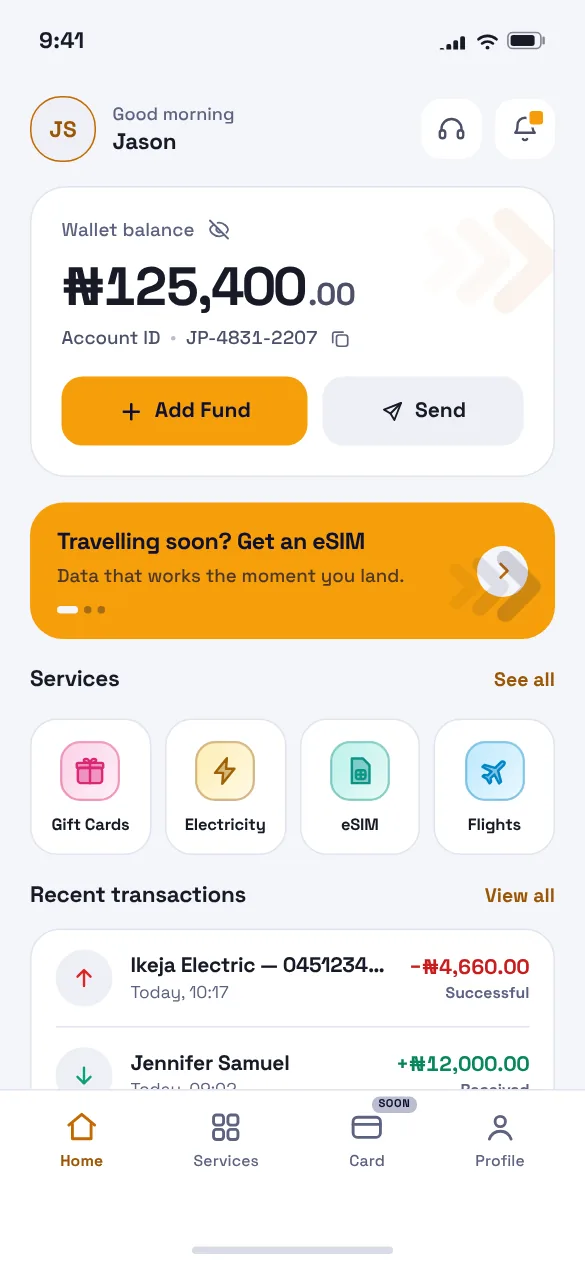
Top up your JetPayys wallet once, then pay for airtime, data, electricity, gift cards, travel eSIMs and flights in a few taps. Or book flights, eSIMs and gift cards right here and pay by transfer.
Or book a flight on the web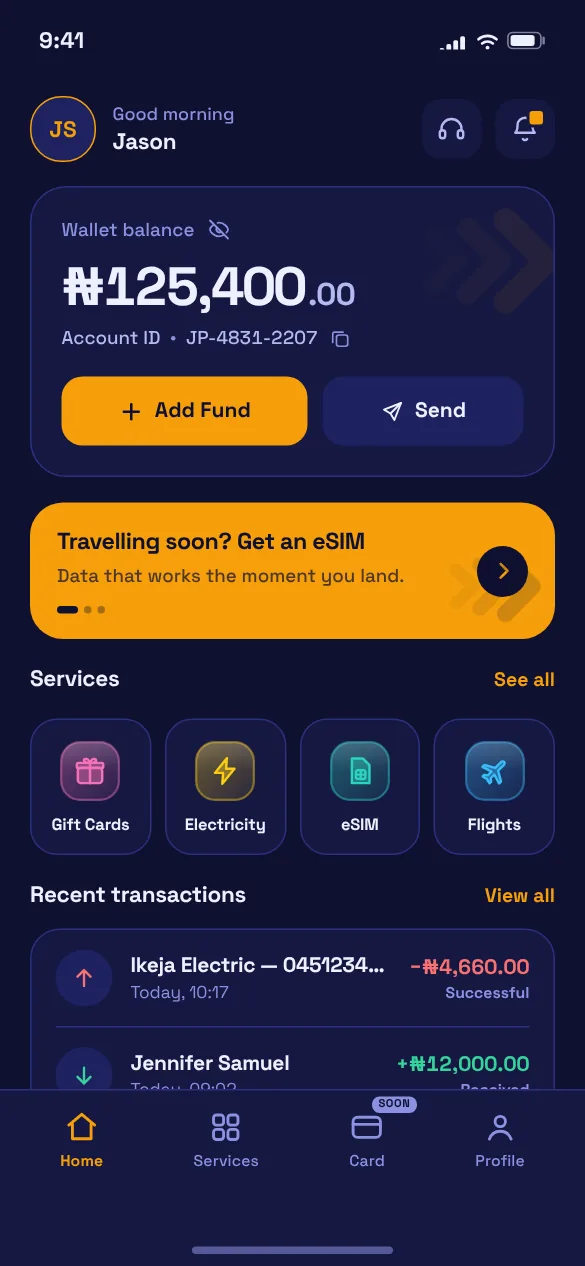
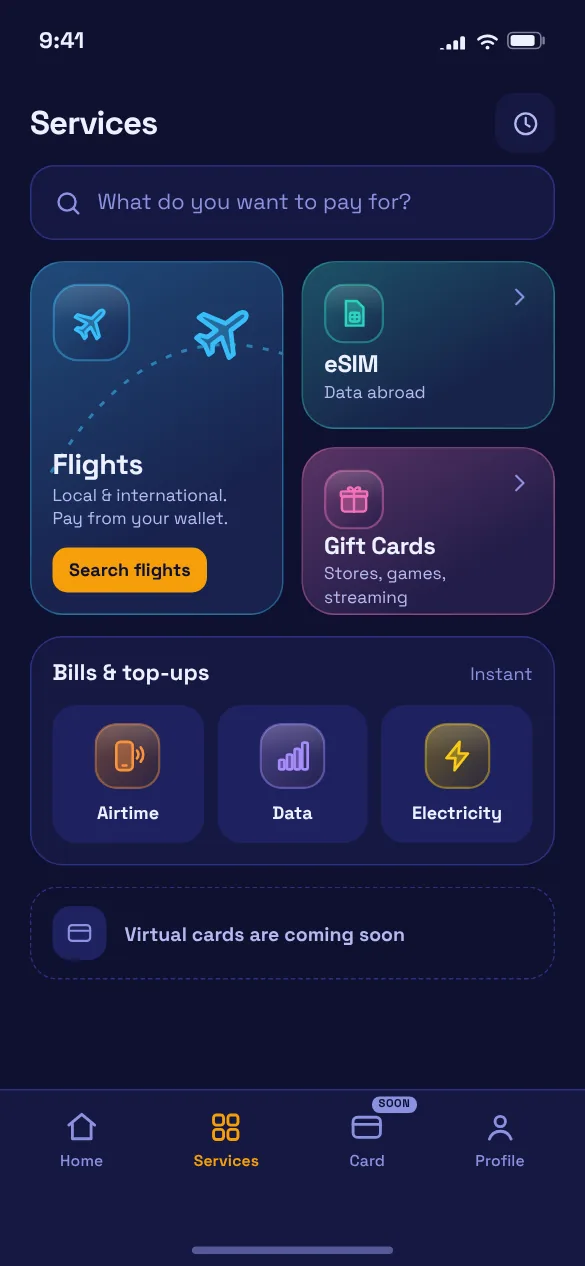
Book flights, buy a travel eSIM or send a gift card without leaving this page. No sign-up: you get an account number just for your order, pay by bank transfer, and we confirm it here.
Every service is paid from your JetPayys balance, so there's no card to type in and nothing to switch between.
Buy gift cards for stores, games and streaming. Keep the code or send it as a gift.
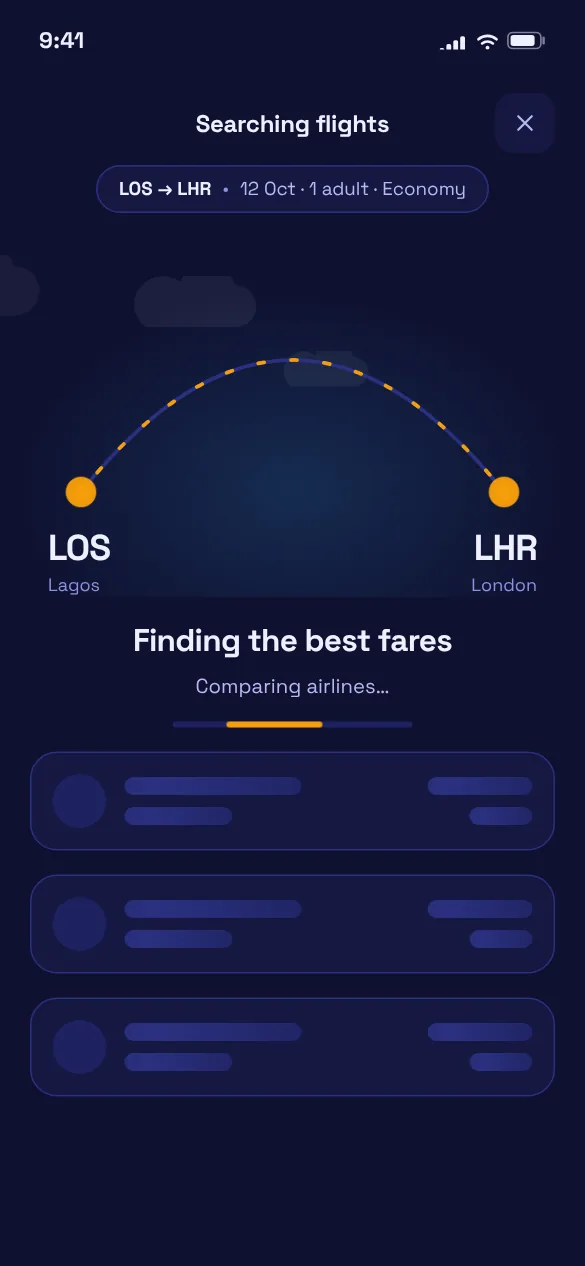
Search and book local and international flights, on the web or in the app.
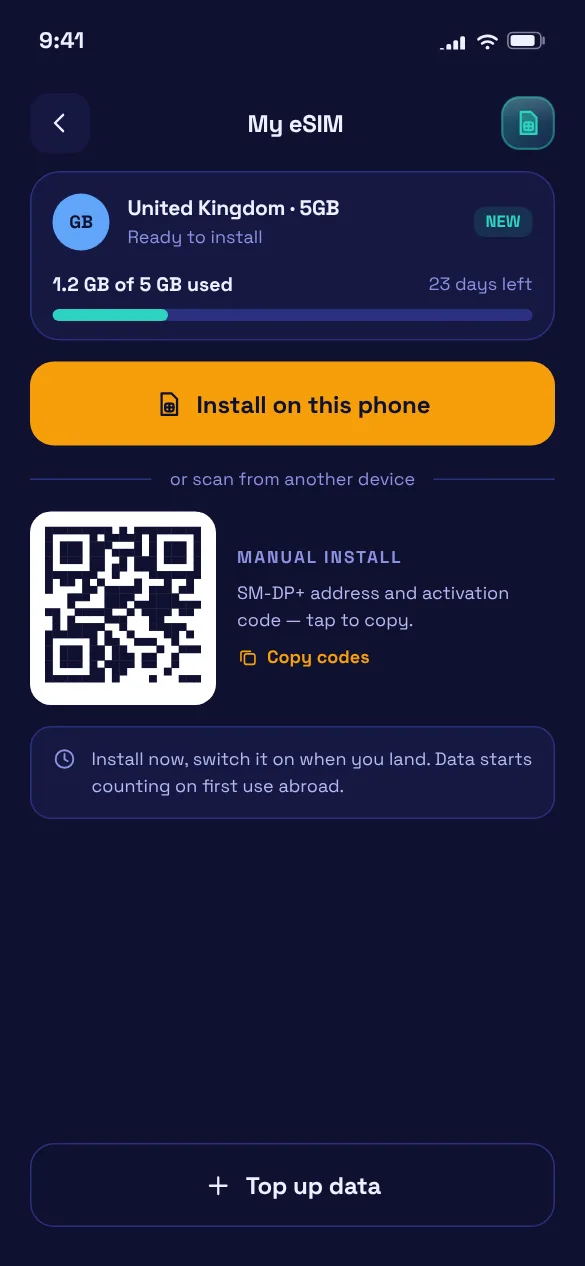
Data for your trip, installed before you fly.
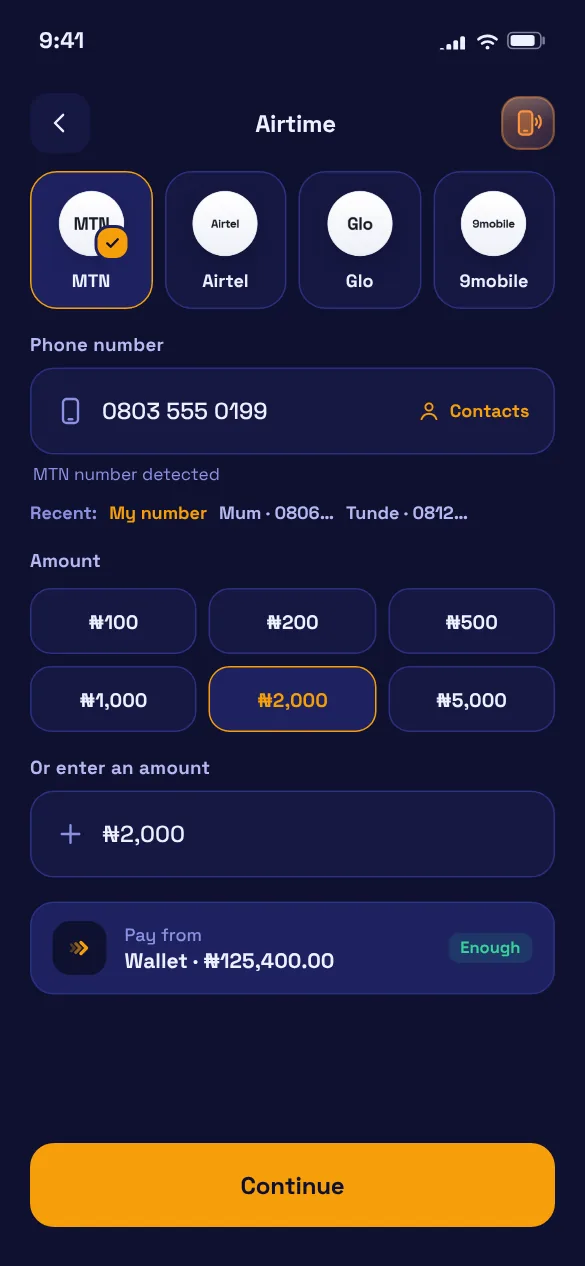
Top up any number on any network.
Daily, weekly and monthly bundles.
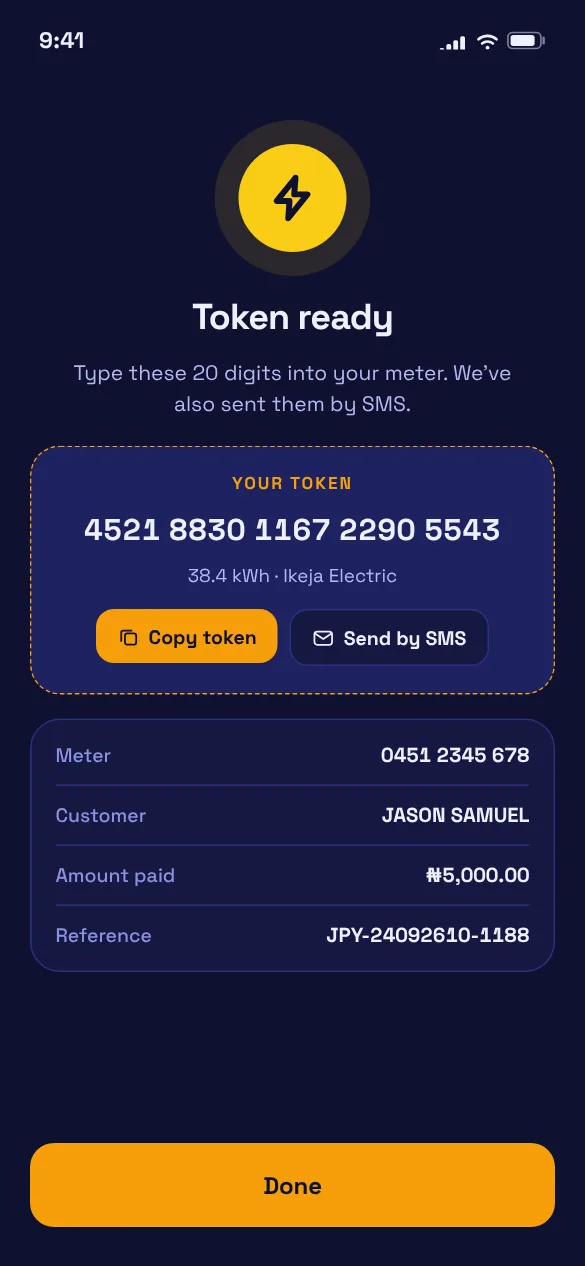
Prepaid tokens in seconds and postpaid bills, for all the major electricity companies.
Pay back a friend or split a bill with anyone on JetPayys.
Transfer into your personal JetPayys account number, pay by card, or use USSD. Your balance is ready for anything you want to pay for.
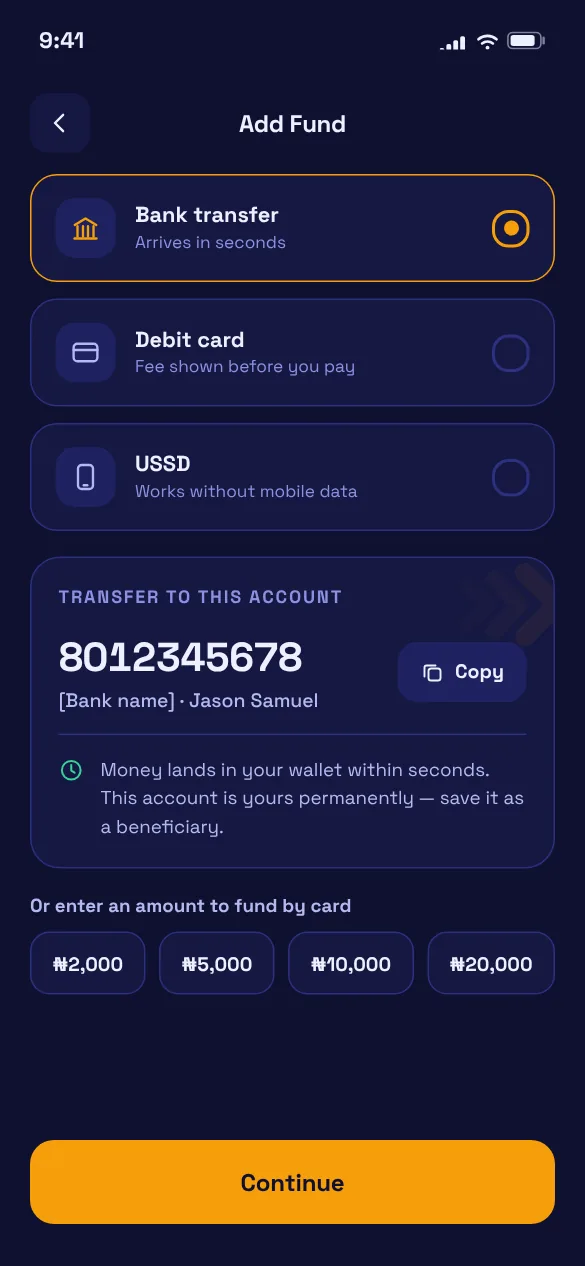
Airtime, data, electricity, gift cards, eSIMs or flights, all in one place.
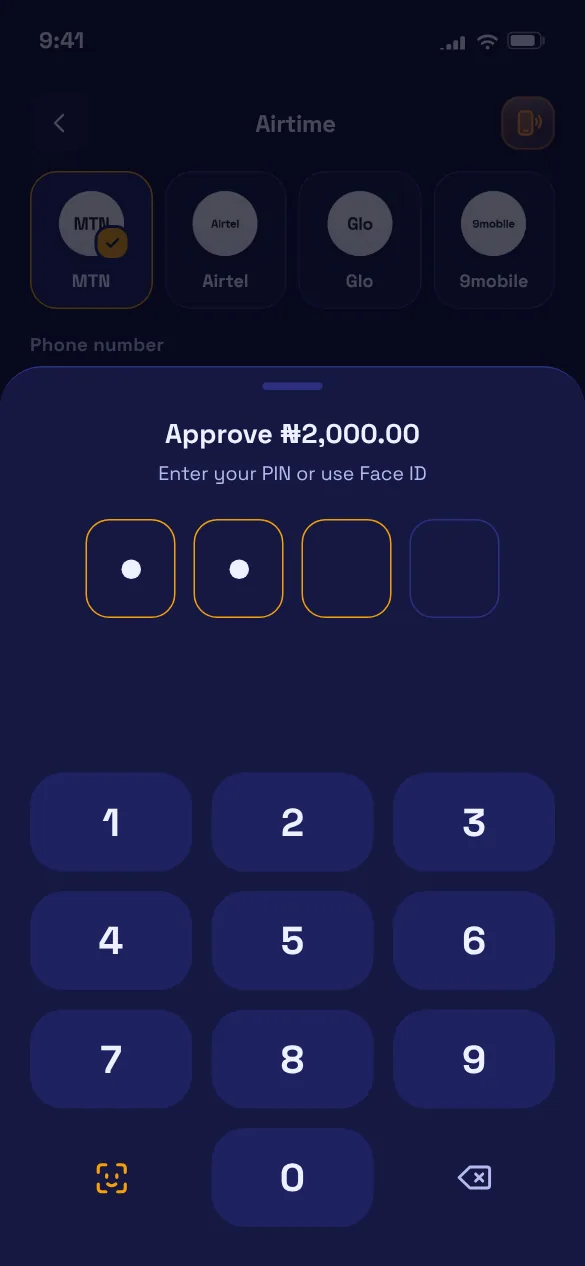
Check the total, then confirm with your 4-digit PIN or Face ID. Nothing leaves your wallet without it.
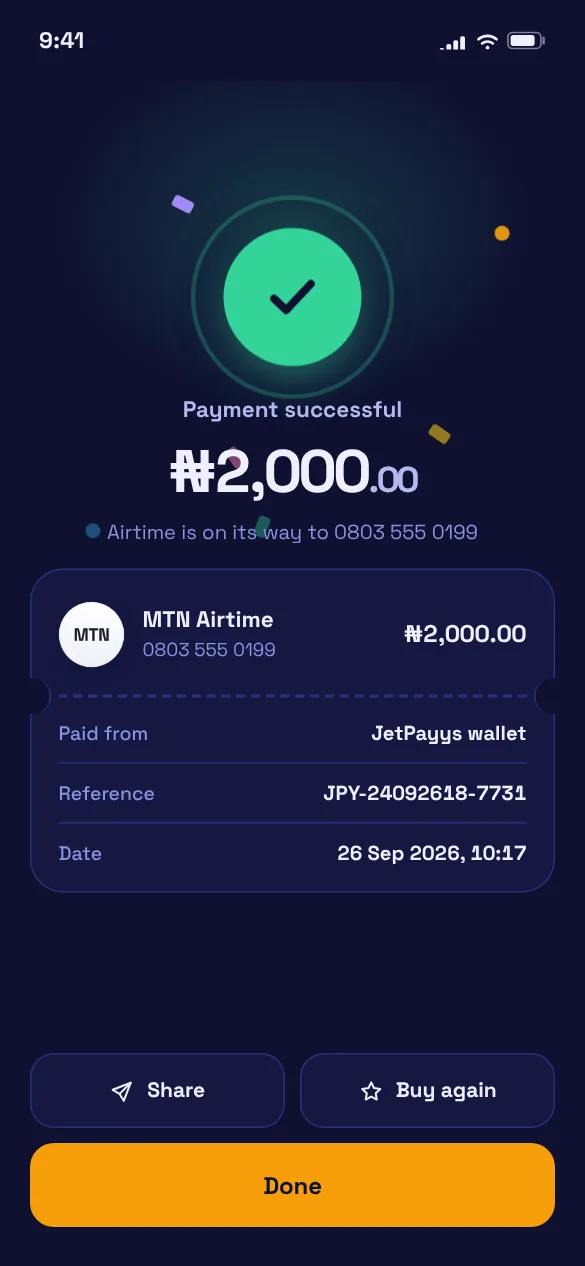
Airtime lands, tokens appear and gift card codes show up in the app, with a receipt you can share.
Search local and international flights, then add a travel eSIM so your data works the moment you land.
Local and international flights. One way or return, for up to nine travellers.
eSIM data abroad. Install before you fly. Your Nigerian SIM stays in for calls.
E-ticket by email. Your booking reference arrives as soon as your payment lands.
Send money to anyone on JetPayys using their email, account ID or phone number. It arrives in their wallet straight away.
Every purchase and transfer in the app needs your 4-digit PIN. You can also lock the app so it asks every time you open it.
Unlock the app and approve payments with your face or fingerprint. Your biometric data never leaves your phone.
Start with the basics, then raise your limits by verifying your BVN or NIN, a selfie, an ID and proof of address.
JetPayys follows your phone's appearance setting, with a light and a dark version of every screen.
Can't find what you need? Contact support from inside the app.
Yes. Book flights, travel eSIMs and gift cards right here on the website, with no sign-up. At checkout you get an account number made just for your order. Pay by bank transfer, and your ticket, eSIM or gift card code is sent to your email as soon as the payment lands.
Airtime and data on MTN, Airtel, Glo and 9mobile; prepaid and postpaid electricity; gift cards; travel eSIMs; and local and international flights.
Transfer to the account number shown in the app, pay with a debit card, or use USSD. Any fees are shown before you pay.
Anyone with a JetPayys account. Find them by email, account ID or phone number. JetPayys doesn't send money to other banks or wallets.
Yes. You can withdraw to one bank account in your own name. We check the account name against your verified details before your first withdrawal.
No. JetPayys is a payments app for bills, travel and gift cards.
Your tier sets your daily limit and maximum balance. Tier 1 needs your basic details. Tier 2 adds your BVN or NIN and a selfie. Tier 3 adds a government ID and proof of address. You can see your limits under Profile → Account limits.
Download JetPayys, add money once, and pay for the things you pay for every week.